WhatsApp CRM: how B2B teams in Lebanon and the UAE sell on WhatsApp
What a WhatsApp CRM is, how the WhatsApp Business app differs from the Business Platform, the rules Meta enforces (opt-in, templates, the 24-hour window) and a checklist for B2B teams selling in Lebanon and the UAE.
A WhatsApp CRM is a customer relationship management system in which WhatsApp conversations are part of the customer record: each chat sits on the contact's timeline next to their deals, calls, notes and tasks, and the team answers from a shared inbox on the company's own WhatsApp Business number. For B2B teams in Lebanon and the UAE, where quotes are agreed and payments chased on WhatsApp, it turns conversations that live on each rep's phone into a sales process a manager can see.
This guide explains what a WhatsApp CRM does, how the WhatsApp Business app differs from the Business Platform, the rules Meta enforces, and what to look for before you choose one.
What a WhatsApp CRM actually does
A spreadsheet and a phone can hold the same information, but not in a way a team can share. A WhatsApp CRM, or a CRM with WhatsApp built in, adds five things:
- One inbox on the company's number. Every rep answers from the same business number, or from a number of their own that the company still owns, so the client's history does not leave with the rep.
- The chat on the contact's timeline. Messages, calls, notes and stage changes appear in one place and in order, so anyone on the team can pick up a deal.
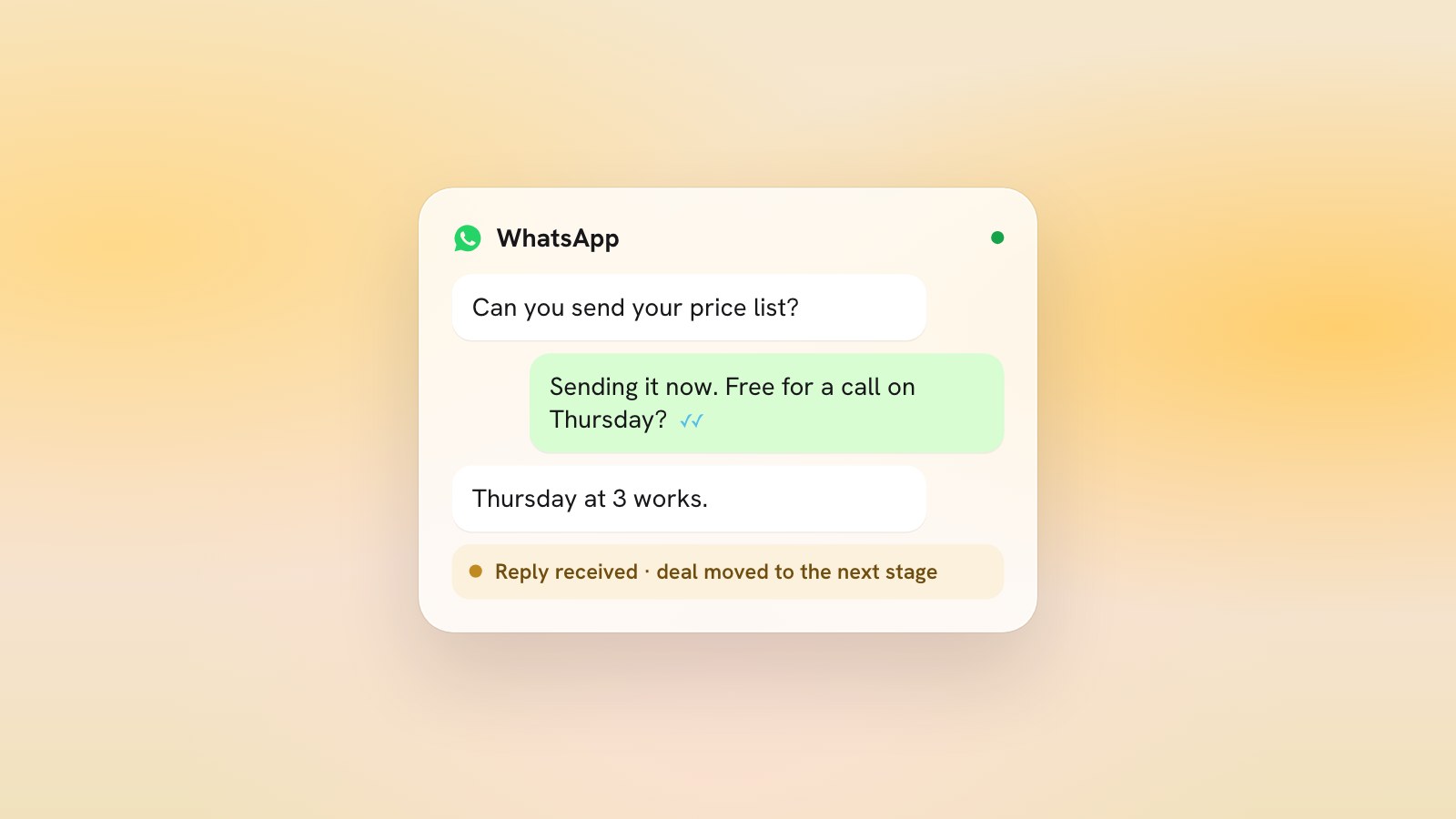
- A pipeline the chat can move. When a prospect replies, the deal can move to the next stage without anyone dragging a card.
- Follow-up tasks. Every promise made in a chat ("I'll send the price on Thursday") becomes a dated task with an owner.
- Consent and templates. The CRM records who agreed to hear from you, keeps your approved message templates, and stops messages to anyone who opts out.
That is the difference between a WhatsApp team inbox and a WhatsApp CRM. An inbox lets several people answer one number; a CRM also knows which deal each conversation belongs to and what should happen next.
The WhatsApp Business app versus the Business Platform
Meta offers businesses two ways to use WhatsApp. The WhatsApp Business app is built for a small business owner messaging customers one to one from a phone, with a business profile, a product catalogue, and greeting and away messages. The WhatsApp Business Platform, still widely called the WhatsApp Business API, is the version software connects to: a team works the number through a CRM or inbox, first messages go out as templates Meta has approved, and Meta charges per delivered message.
| WhatsApp Business app | WhatsApp Business Platform (API) | |
|---|---|---|
| Built for | An owner messaging one to one from a phone | A team working one number through software |
| Starting a conversation | A free-form message, once the person has opted in | An approved template, once the person has opted in |
| Replying | Free-form at any time | Free-form within 24 hours of the customer's last message, templates after that |
| Meta's charge | None for messages sent from the app | Per delivered message, by category and the customer's country |
| Deals, tasks and reporting | Outside the app | In the CRM or inbox connected to the number |
You do not always have to choose. Meta lets a number that already runs on the app connect to the Platform as well, which it calls coexistence: the owner keeps chatting from the app, the team works from the CRM, and WhatsApp keeps the history in sync. Messages sent from the app stay free; messages sent through the API are charged at Meta's rates. Not every provider offers it, so ask before you sign.
Meta's rules, in plain words
Meta's WhatsApp Business Messaging Policy is short, and every WhatsApp CRM worth using is built around it. Five rules matter most for B2B selling:
- Opt-in first. You may only contact someone who has given you their number and has agreed to receive messages or calls from your business. A number on a website or a Google Maps listing is not that agreement. Ask on the phone, on a form or in person, and keep a record of the yes.
- Templates open conversations. On the Platform, the first message to someone, and any message sent more than 24 hours after their last one, must be a template Meta has approved. Meta can review, pause or reject a template at any time, so write each one for a single purpose: an update or an offer, not both.
- The 24-hour window. When a customer writes to you, you can reply freely for 24 hours, and the window resets each time they write again. Once it closes, you are back to templates.
- Opt-out is final. You must respect any request to stop, whether it arrives on WhatsApp or anywhere else, and that includes removing the person from your contact list.
- Automation needs a human exit. A bot may answer inside the 24-hour window, but the policy requires a prompt, clear path to a person, such as a hand-over to an agent, a phone number or an email address.
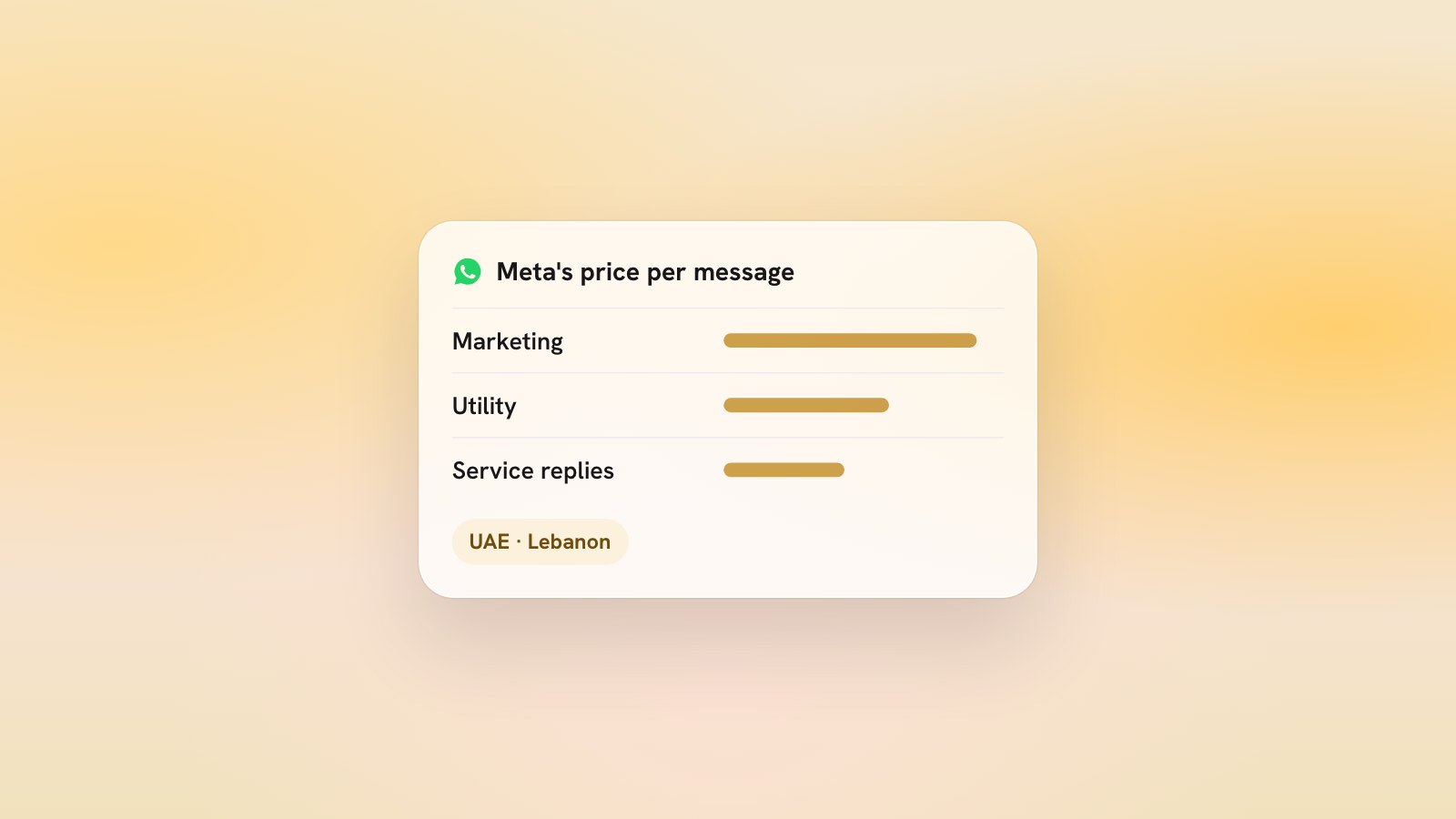
On price, Meta charges per delivered message, by category and by the customer's country code rather than yours. As of November 2026, a marketing template costs USD 0.0576 to a UAE number and USD 0.0392 to a Lebanese number, a utility or service message costs USD 0.0157 to a UAE number and USD 0.0091 to a Lebanese one, messages your customers send are free, and each business number gets 1,000 free service messages a month. The current figures are on Meta's pricing page.
What to look for in a WhatsApp CRM
Most WhatsApp CRM software looks alike in a demo. These are the questions that separate them once your team is using it every day:
- The official platform, on your own number. The CRM should connect to Meta's Business Platform on a number your company owns. Avoid tools that automate the app itself: they are not part of Meta's platform.
- Consent on the contact record, with the date and how it was given, and STOP handled without anyone having to remember.
- Templates in your buyers' languages. Arabic, English and French templates, approved and ready, with the name, company and date filled in from the contact.
- The 24-hour window made visible, so a rep knows at a glance whether a free reply is possible or a template is needed.
- Chats, calls and deals on one timeline, with stage changes and tasks next to the messages.
- Replies that move deals. A reply on a deal waiting for an answer should move it forward without anyone updating the card.
- Shared or per-rep numbers. One shared number suits a small team; a number per rep suits teams where each seller owns their relationships, as long as the company owns the numbers.
- Roles. A manager reads every conversation, and a viewer can read without changing anything.
- Clear costs. The software's plan and Meta's per-message charges, shown separately, so you can check them against Meta's rate card.
This is the list we built the LeadsMind WhatsApp CRM against: the inbox sits inside the CRM on your own WhatsApp Business number, approved templates open the first conversation, consent and STOP are recorded on the contact, and a reply moves the deal to the next stage.
How B2B teams in Lebanon and the UAE use it day to day
Say a rep in Beirut calls a distributor, gets two minutes with the owner and ends the call with "Can I send you the details on WhatsApp?" Here is how the next few days look in a WhatsApp CRM:
- The yes goes on the contact as consent, with the date.
- The rep sends an approved template in the language the call happened in. In English, it might read:
Hi {{1}}, it's {{2}} from {{3}}. Thank you for your time on the phone today. As promised, here is a short summary of what we discussed. Shall we keep {{4}} for the next step? Reply STOP if you would rather not hear from us on WhatsApp. - The owner replies that evening. The 24-hour window opens, the deal moves to the next stage, and the rep answers freely the next morning.
- A follow-up task lands in the rep's list for the agreed day, and the sales manager reads the whole thread on Monday morning without asking anyone for a screenshot.
The two markets differ in the details. In Lebanon, a chat moves between Arabic, French and English, often within one message, and Arabizi (Arabic written in Latin letters) is everyday usage, so templates, search and any AI that reads the chats need to cope with all of it. In the UAE, buyers are English-first with Arabic welcome, the working week runs Monday to Friday, and a number per seller can suit larger teams that sell across several emirates.
Traffic can flow the other way too. A wa.me link on your website, quotes and email signature lets a client write first, which opens the 24-hour window without a template; our free WhatsApp link generator builds one with a pre-filled message.
FAQ
Is the WhatsApp Business app a CRM?
No. It has a business profile, a catalogue, and greeting and away messages, but deals, tasks, reporting and a shared team history live outside it. A WhatsApp CRM connects the number to those.
Can I keep my existing WhatsApp Business number?
Usually, yes. A number can move to the Business Platform, and Meta also lets a number keep running on the app while it is connected to the Platform. Messages sent from the app stay free; messages sent through the API are charged at Meta's rates. Ask your provider which of the two it supports.
Do I need Meta's approval to use a WhatsApp CRM?
Meta reviews each template before you can send it, and can pause or reject a template at any time. Ask your provider to take you through Meta's business verification as part of the set-up.
How much does a WhatsApp CRM cost?
There are two parts: the CRM's own plan, and Meta's per-message charges on the Business Platform. Messages your customers send you are free, and so are the first 1,000 service messages each month on each number. Our pricing page lists what each plan includes.
See it on your own market: type your website at leadsmind.ai/start and LeadsMind drafts your ideal customer and a first WhatsApp message to your top prospect, free.